Agent Activity
Mission control for Xcode AI agents. Live agent sessions, build timelines and test results in one window.
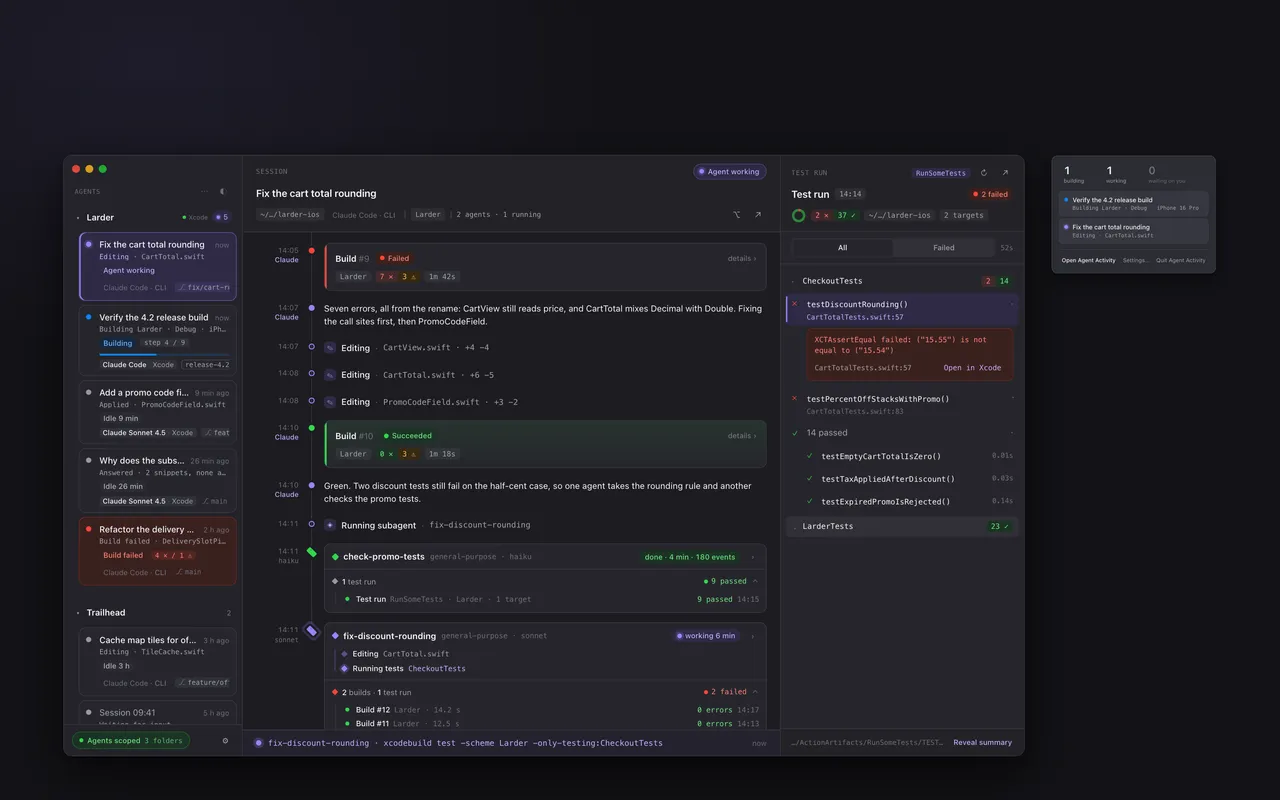
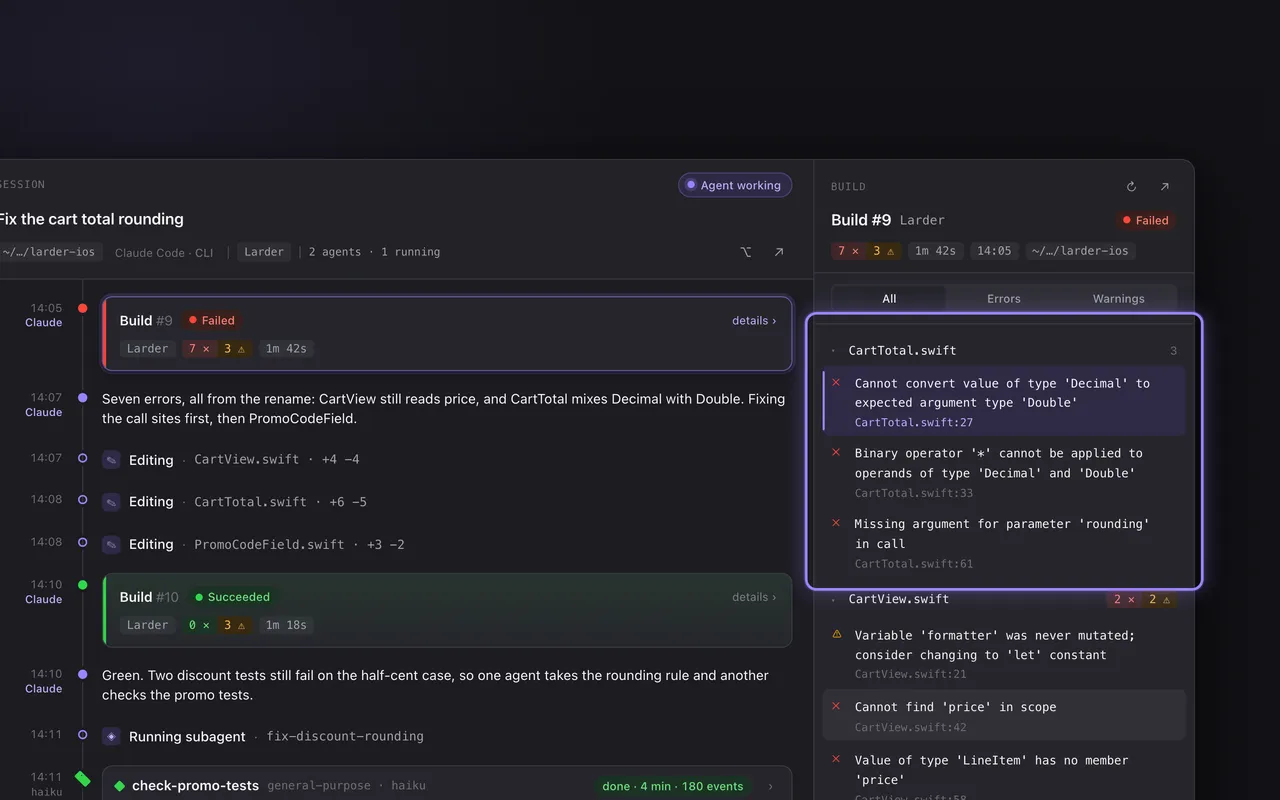
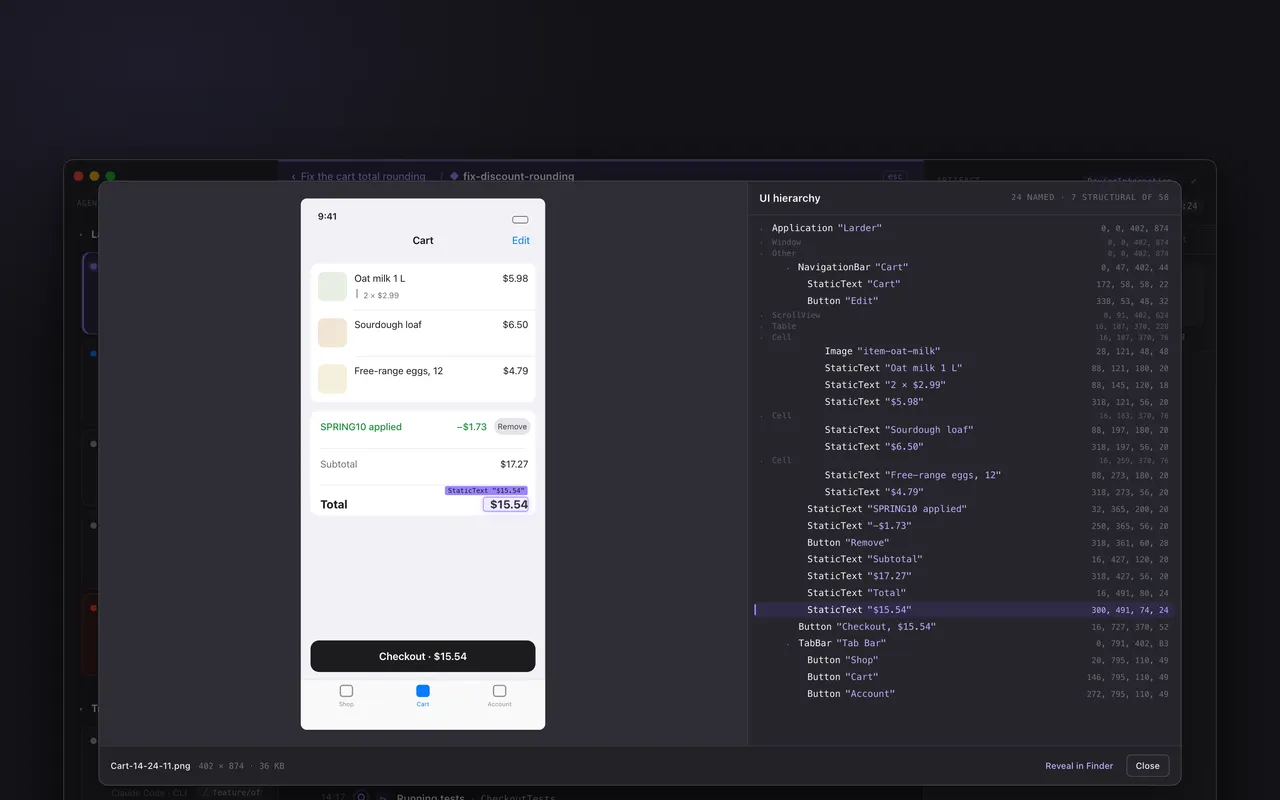
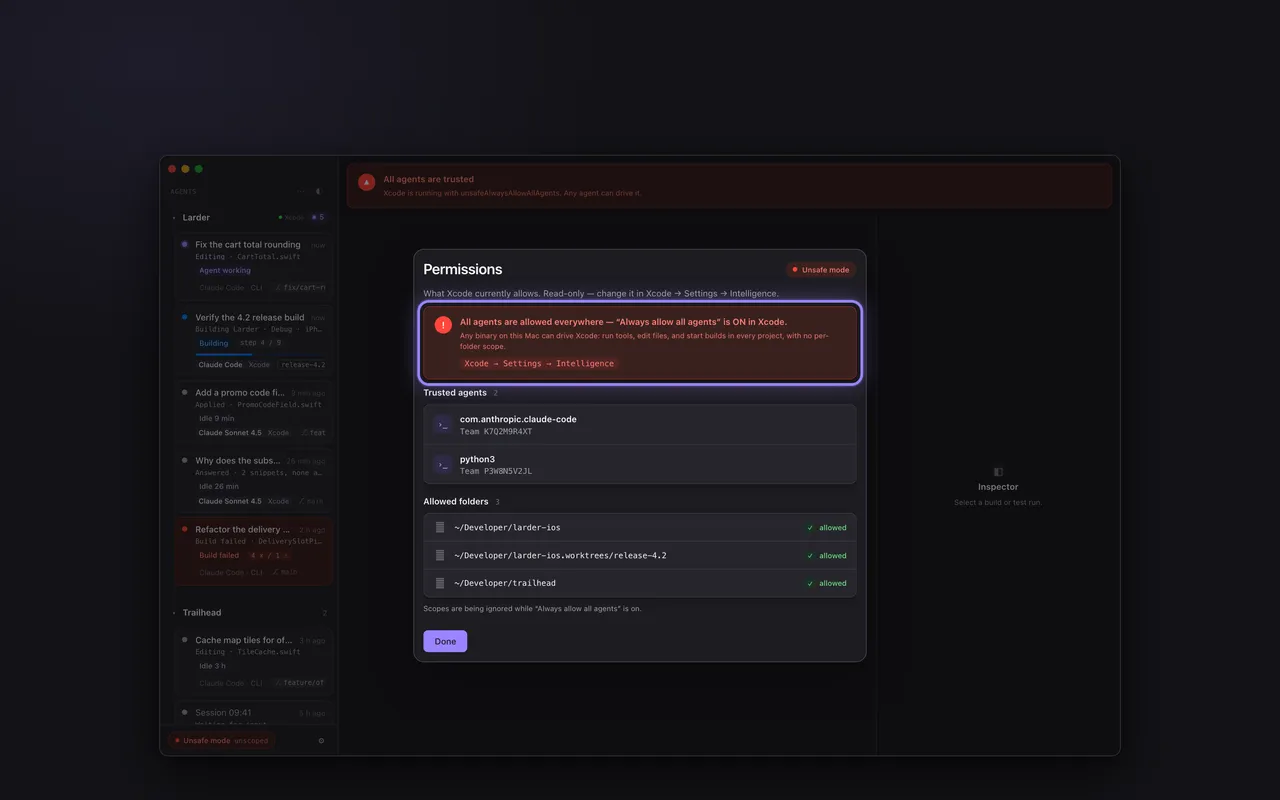
4 shots · macOS · landscape · shown unframed
Every agent session, in one window.
Agent Activity has no account and no server of its own. No transcript, message or build-log content, no project name and no path from your projects leaves your Mac. The first time you open it, Agent Activity asks once — Share or Don’t share — before sending anything, and keeps asking in its main window if you close that question unanswered; answering sets two switches, independent from then on in Settings → Diagnostics, that send usage events and crash reports keyed to this installation. The exceptions: both can carry the name of a record type the app doesn’t recognize yet (its first 60 characters); a crash report can carry the path where the app itself is installed, which includes your macOS account name when it is under your home folder; and a crash report carries the crash’s error message, whose text the app cannot control when macOS, a system framework or a library raised it. Details: the privacy policy.
Accounts None
Direct support@le-max-app.com
Response Within 2 business days
Not about Agent Activity? A project, or a question for the studio, goes through the studio form.